Storyfyre Pro
Where more stories, novels, books, and more are dreamed, created, planned, plotted, organized, written, plus active writing notes & focused writing and proofreading.
Awesome Author, Novel, Story Writing, Planning, Plotting, Book Bibling Software.
Plus Active Writing Notes & Integrated Focused Story Writing and Proofread Areas.
Everything you need to plan/plot/map, book bible, and write all your drafts and stories.
See all your story from end(beginning) to end.
Plan Story, Write Story, Bible Story, Story Elements, App Elements, Focused Writing.
Write, plan, create, anywhere.
Works with any writing process.
Works, as a discovery writer who writes first then plans/plots/fixes it after, or a plotter who plans/plots first then writes it after, or a writer who plans/plots during writing.
Describe, map, plan, plot, write your story, novel, book, to success, write fast, finish more stories.
Easily move, drag and drop, your story beats, chapters, scenes, wherever you want them, to tryout different story versions, or to create better stories. Or drag them back.
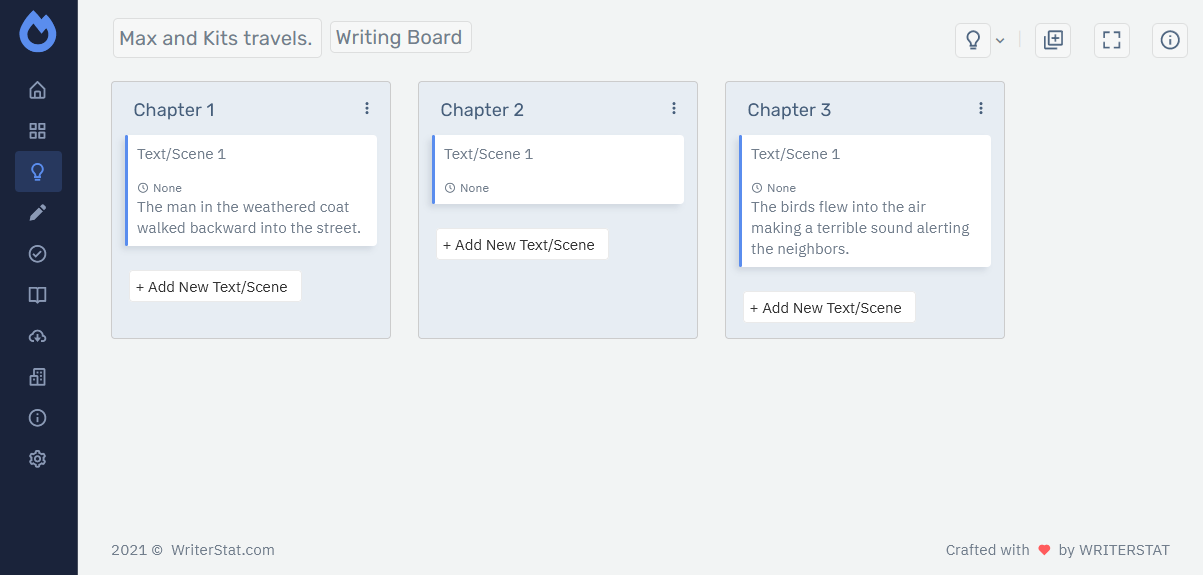
Write first, and Storyfyre will automatically create a Scene Map for you to story plan with.
Use with first drafts, revisions, rewrites, and all drafts between, even use it before beta reads and publishing to clean and get the story clear.
Focused, momentum charged, writing area included.
Professionally finish/plot/plan great stories.
Already have a story that doesn't quite sound or work right, needs help, need to revise? Map/plan/plot it in Storyfyre Pro so you can see/write the story clearly. End to end.
Understand your story. Take away the stress of writing, make it fun again.
Storyfyre Pro Features
Plot/Plan Story
Scene Map
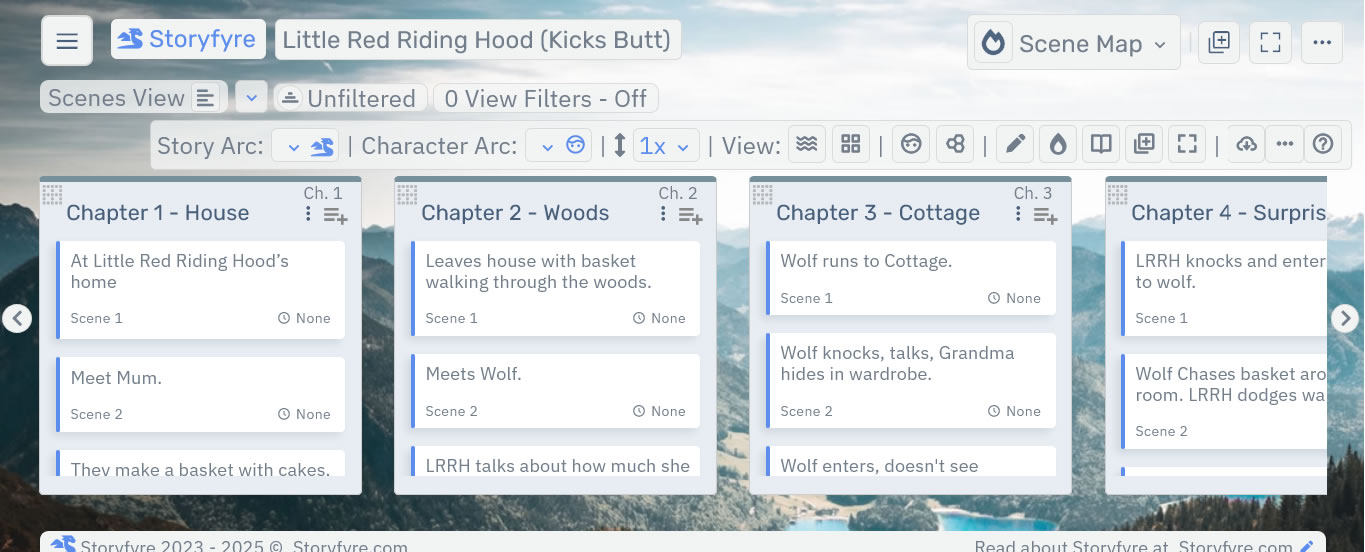
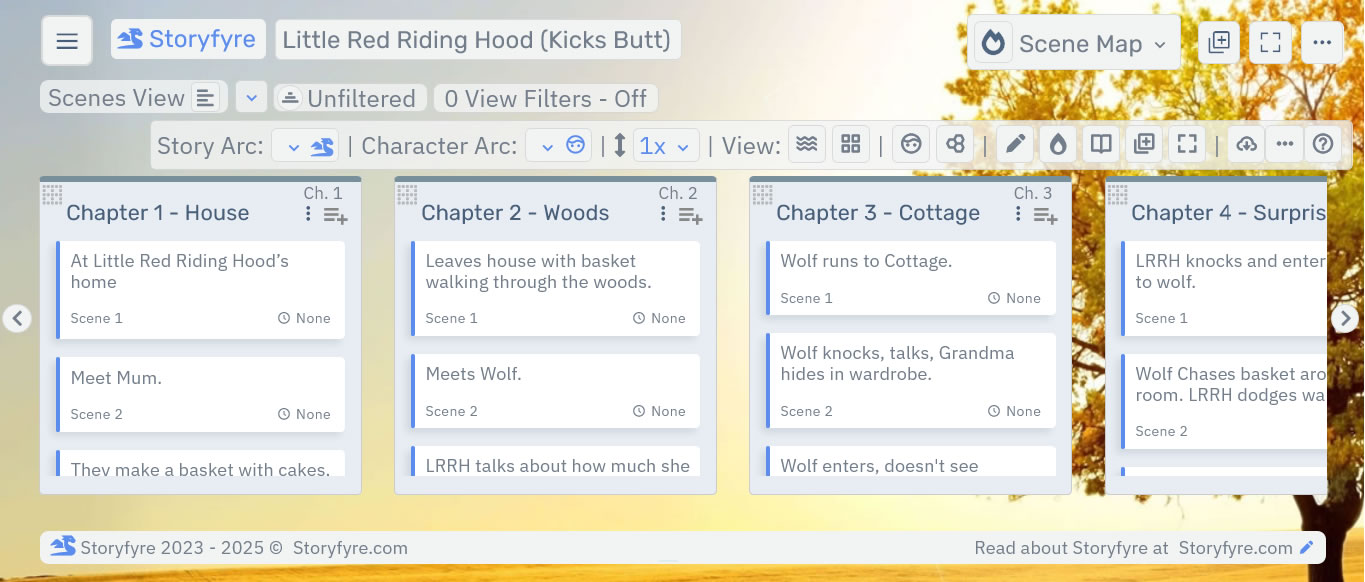
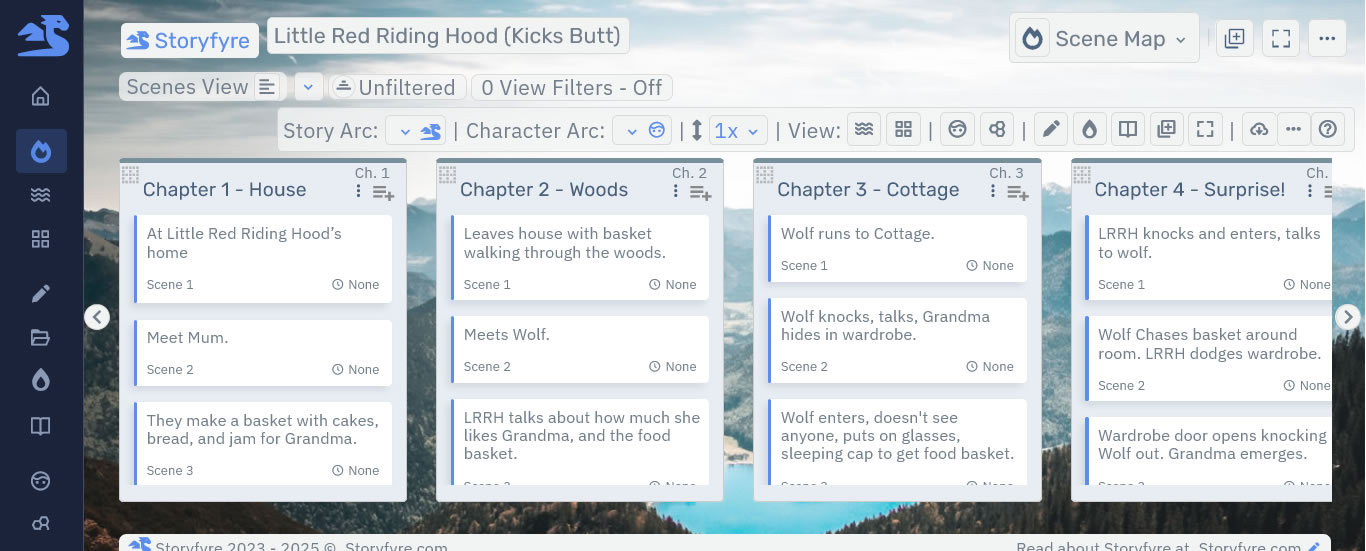
Visually describe/plan/plot/map your story to success, create a better story, write faster.
Recharge your story think time, get a clear well written story, and have fun doing it.
Turbocharge your story writing speed.
Get/View Scene Map Features →Scenes Outline
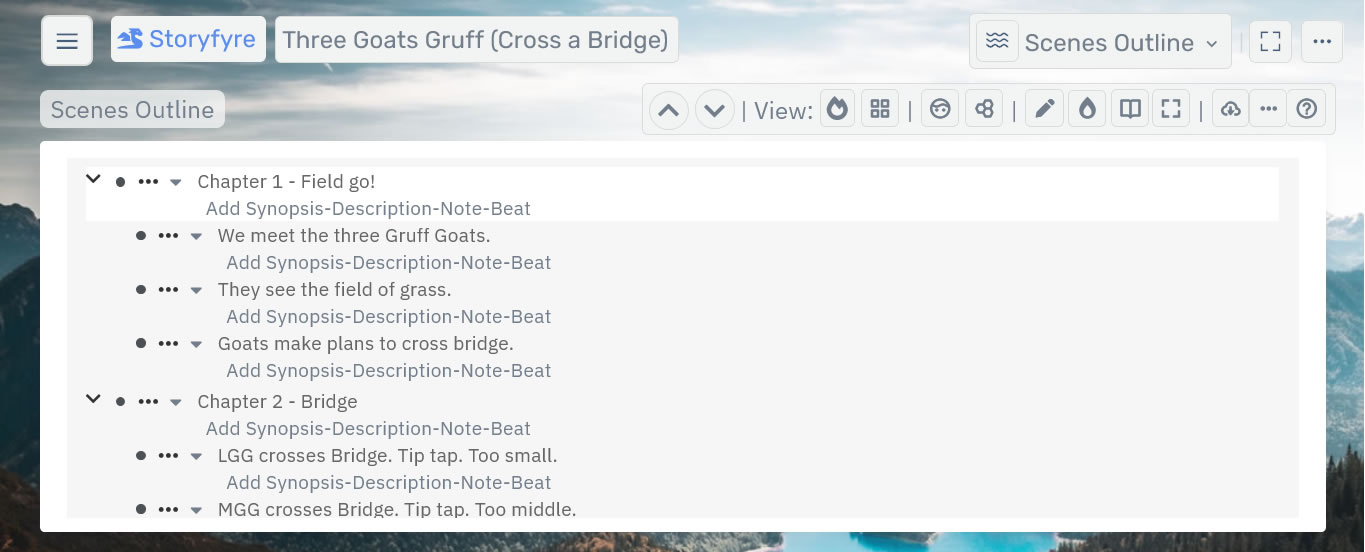
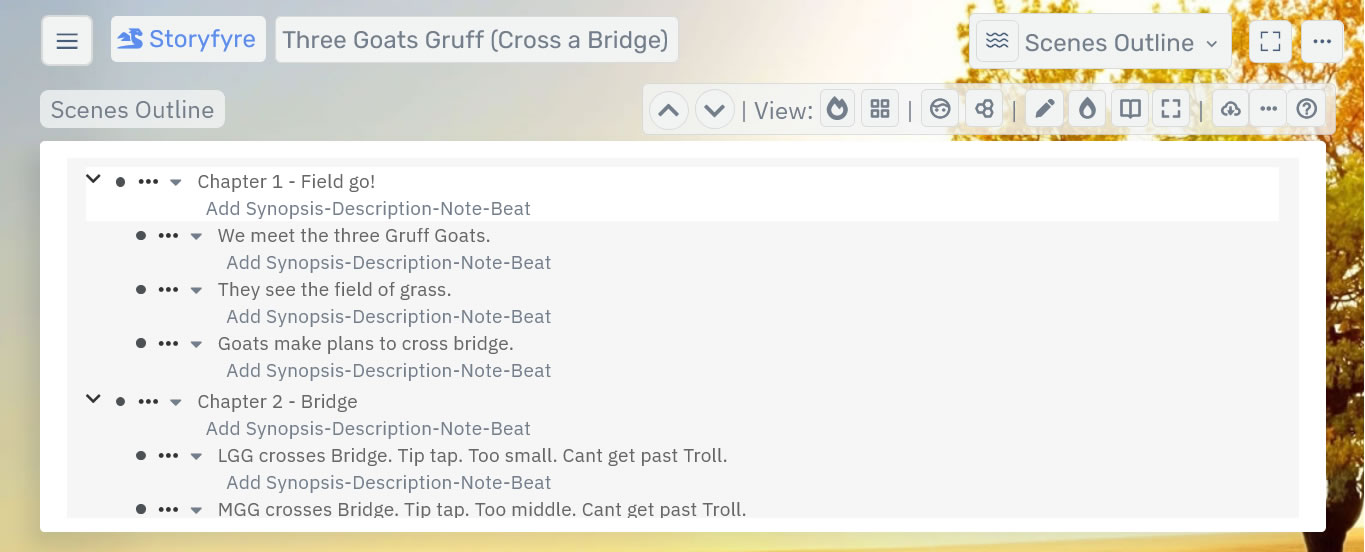
Describe/outline/plan your story to success, create a better story, write faster.
In an advanced outline way. Refresh your story think time, get a clear well written story.
Turbocharge your story writing speed.
Get/View Scenes Outline Features →Projects
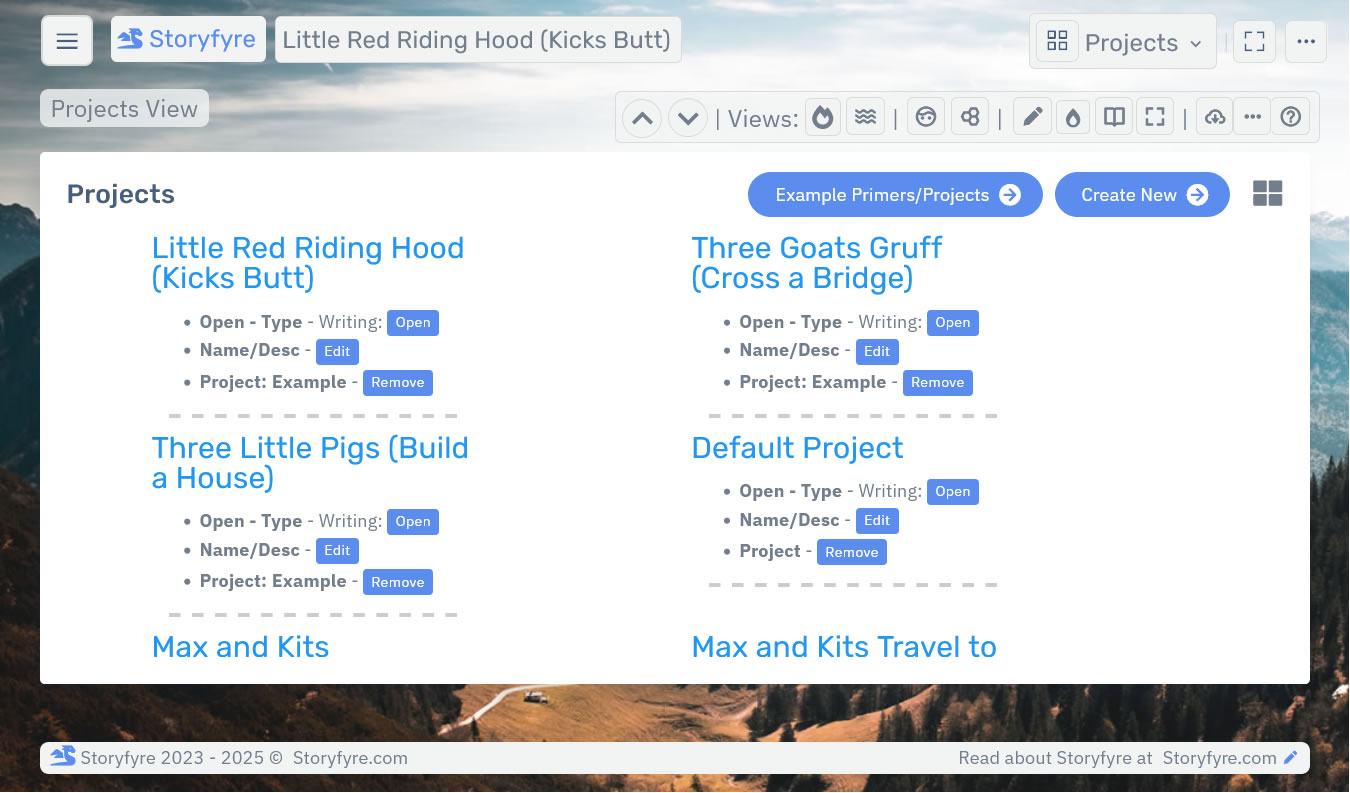
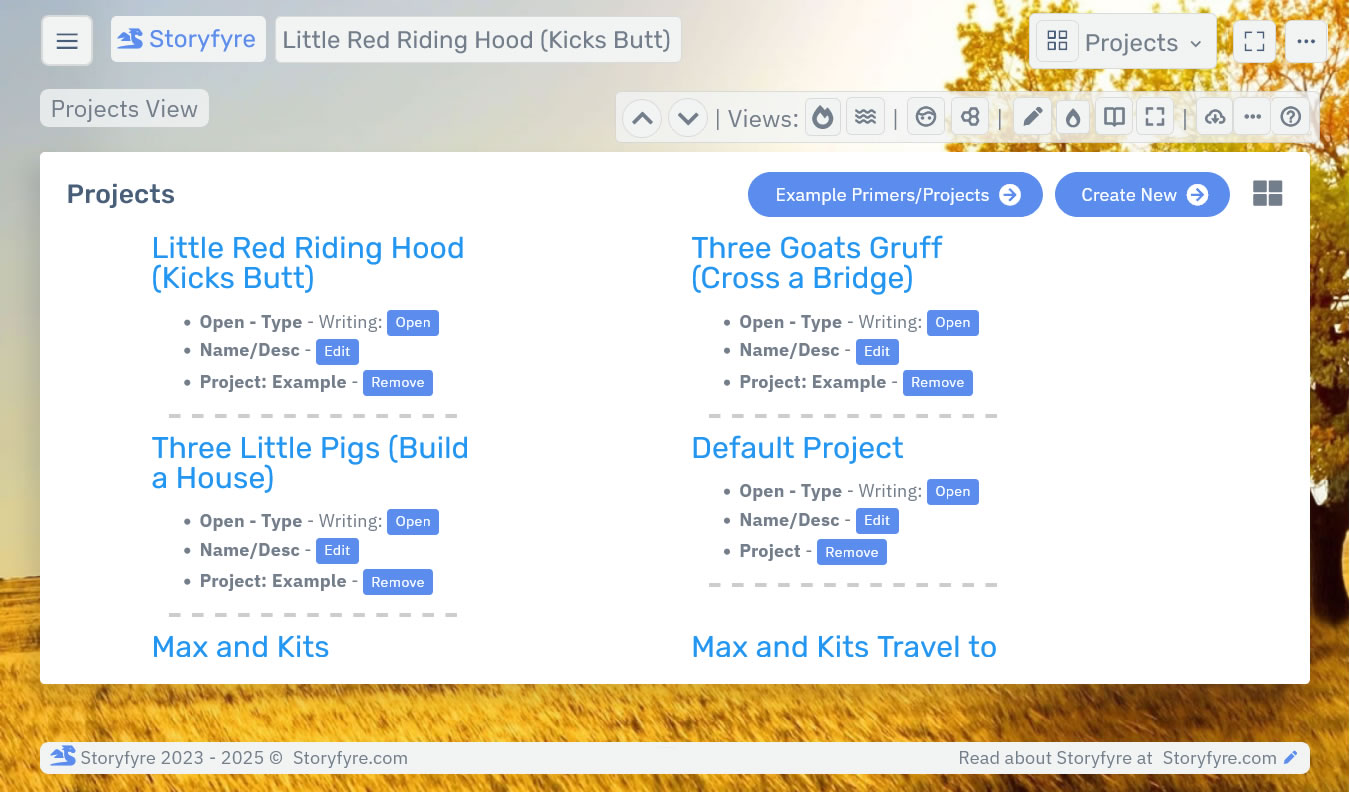
Quick-create projects are the containers for all your writing projects. Books, Stories, Novels, Series, Thesis, Papers, Articles, Drafts, their data and information, and More...
Projects and writing projects should be clear, quick to manage, quick to add, open, and edit.
Get/View Projects Features →Storyfyre Pro Features
Write Story
Write
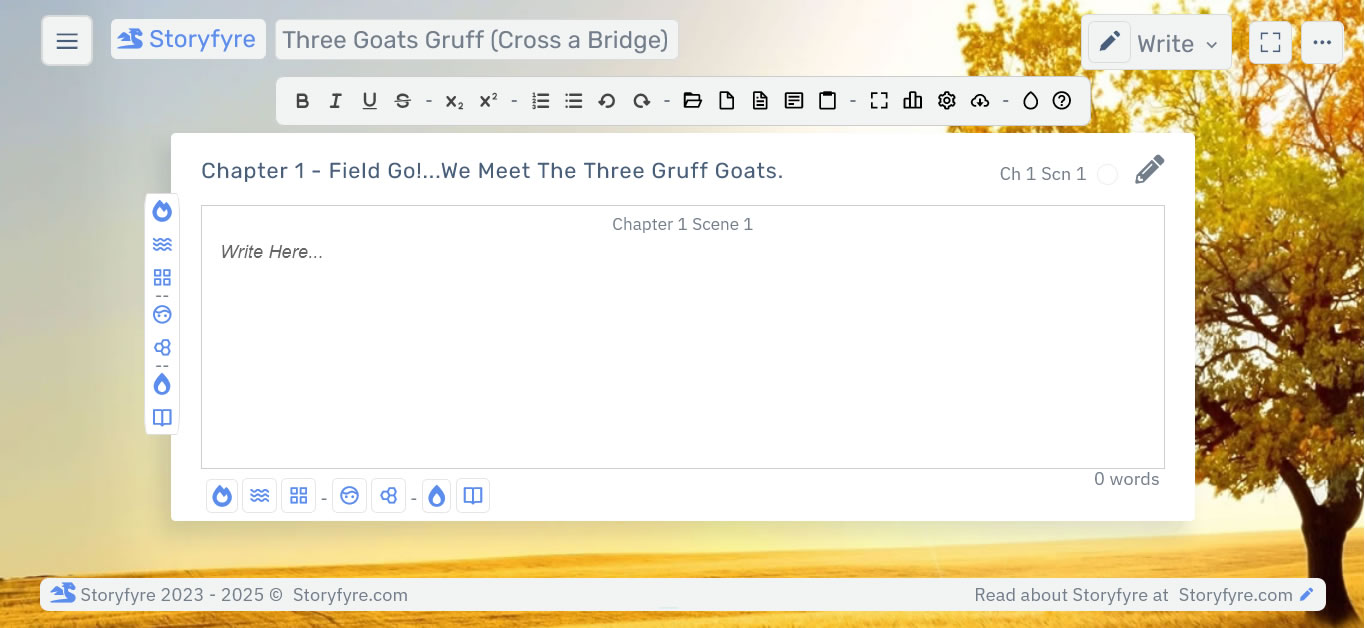
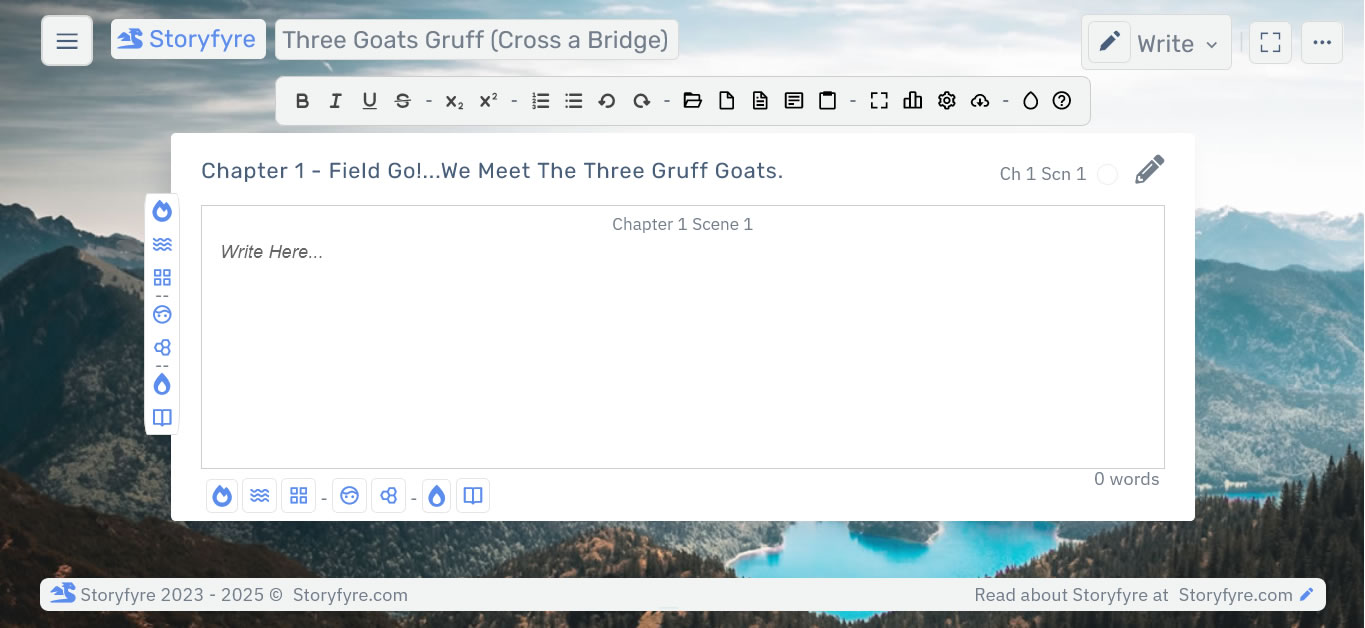
Use the Scene Map, Scenes Outline, and the Write Area (writing app) together.
Write your story, faster, better, and more complete in Storyfyre's focused momentum based Write Area(Writing App).
Turbocharge your story writing speed.
Start writing fast.
Use the Write area first, right away to write, or start writing whenever you want, on whatever you want.Focus on your story.
Write a Chapter's Scenes and Story Beats right from your Scene Map, select the Write Icon on them.Write in the ProofRead Area.
Double-click or select a line, paragraph, scene, or story beat in the ProofRead Area and the Write Icon, to open the Write Area to edit it in.Open Chapters, Scenes, Story Beats Directly in the Write Area (Writing App).
Use the Write Area Toolbar to Create and Open Chapters, Scenes, Story Beats to work on and to write in.Story Based Writing.
Use Storyfyre's Write Area (Writing App) Toolbar to create Chapters, Scenes, and Story Beats. Then Storyfyre will automatically create and update a Scene Map for you to use after.Update your Scene Map's Scene/Beat Info from the Write Area.
Select the Scene/Beat Edit Panel from the Write Area Toolbar to edit/update a Scene's/Beat's Scene Map Info.Open the Write Area (Writing App) in FullScreen.
Select the FullScreen Icon from the Write Area (Writing App) Toolbar (On/Off).Customize Your Write Area.
Select the Writing Settings Icon from the Write Area (Writing App) Toolbar. Set fonts, font-size, paragraph and line size, indent and tab size, line-height and more.Auto-Save.
Any changes in any areas are automatically saved, including writing.Writing Stats
Shows the amount of words written in the Scene, Story Beat. A full Writing Stats panel will be available later in this version. (Coming Up)Easily Download/Export Scenes/Beats/Text to Popular Software.
Download/Export Quick View Data or Writing/Story/Text and Writing Templates to Microsoft Word, Adobe PDF, or HTML for backup or use elsewhere.Display Fun, Motivating, Backgrounds.
Easy on the eyes. Display Fun, Motivating, Backgrounds behind the Write Area(Writing App) for motivation.Active Writing Notes & Tasks
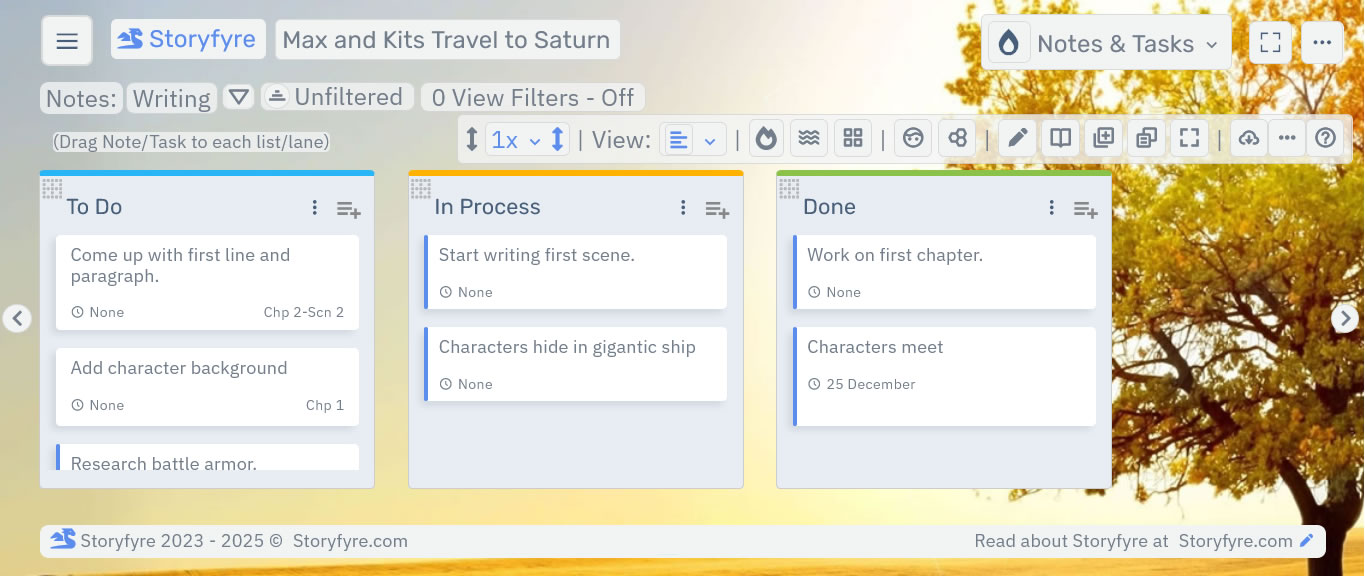
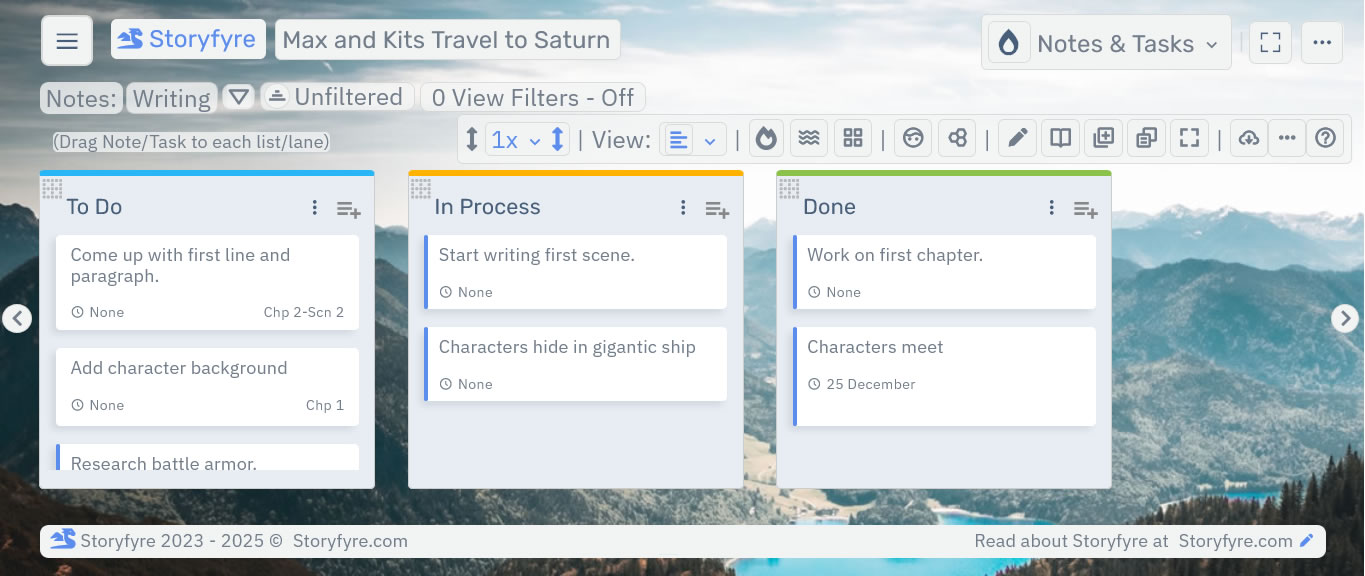
Active Writing Draft Change Notes and Tasks,
Writing Notes & Tasks built for everyone.
Turbocharge your story writing speed.
Fast, Simple, Writing Notes. Everywhere you are.
Simple, powerful and easy to use. Easy to understand. You'll know how to use it at a glance. Fast to get started.Keep Your Draft Changes in your writing notes and do them all at once.
Make your drafts easier, faster to write. Take out the stress. Turn your story notes instantly into doable writing tasks. Then drag them done. Build momentum.Not just for your first draft, but for all your drafts.
Make better use of your writing time and thought time while keeping all the fun of writing. For all your drafts.Customize everything.
Customize everything, to your story and writing process.Easily write and keep track of story/writing notes.
Finish writing tasks, and keep track of draft changes without any hassle or stress.Drag and Drop your writing notes/writing tasks to success.
Easily do multiple drafts in your writing notes and tasks.Focus on the story & drafts.
Keep ideas, thoughts, and drafts easily separate. Even manage writing tasks.Auto-Save.
Any Notes & Tasks changes are automatically saved to the cloud.Web-Based. Auto-Syncing.
Runs the same on any smart device, anywhere you are. Change devices? No problem, start right where you left off.Easily use with your current writing software and writing process.
Use with your current writing software and writing process, by opening in a browser tab, on most devices.Maximize your Think Time, Productivity, Writing Time.
Get your story clear before, during, or after you write it.Easily Download/Export to Popular Software.
Download/Export Quick View Data to Microsoft Word, Adobe PDF, or HTML.See and feel the results.
See things change. Build Writing Momentum.Display Fun, Motivating, Backgrounds.
Easy on the eyes. Display Fun, Motivating, Backgrounds behind the Scene Map, Scenes Outline for motivation.Hide or Show Note & Tasks List/Lanes. Add Highlight Colors And More...
Hide Lists/Lanes for focus. See different views. Highlight Colors(more colors coming up), Icons(coming up), Filters and Search(coming up).ProofRead
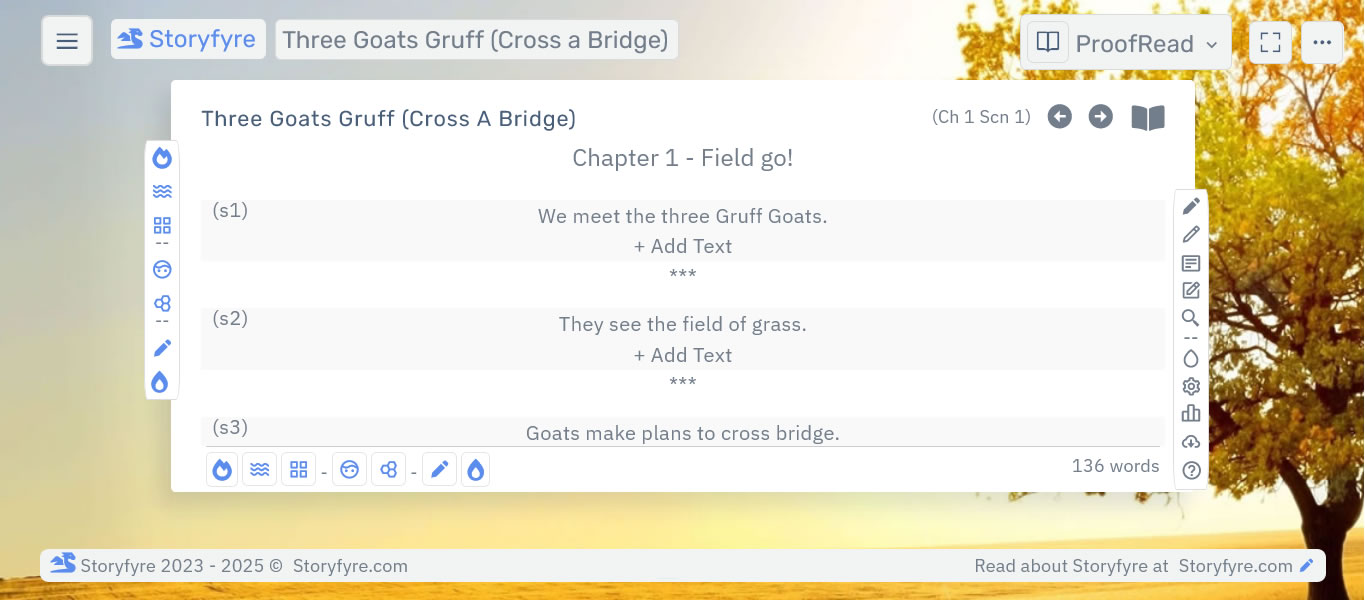
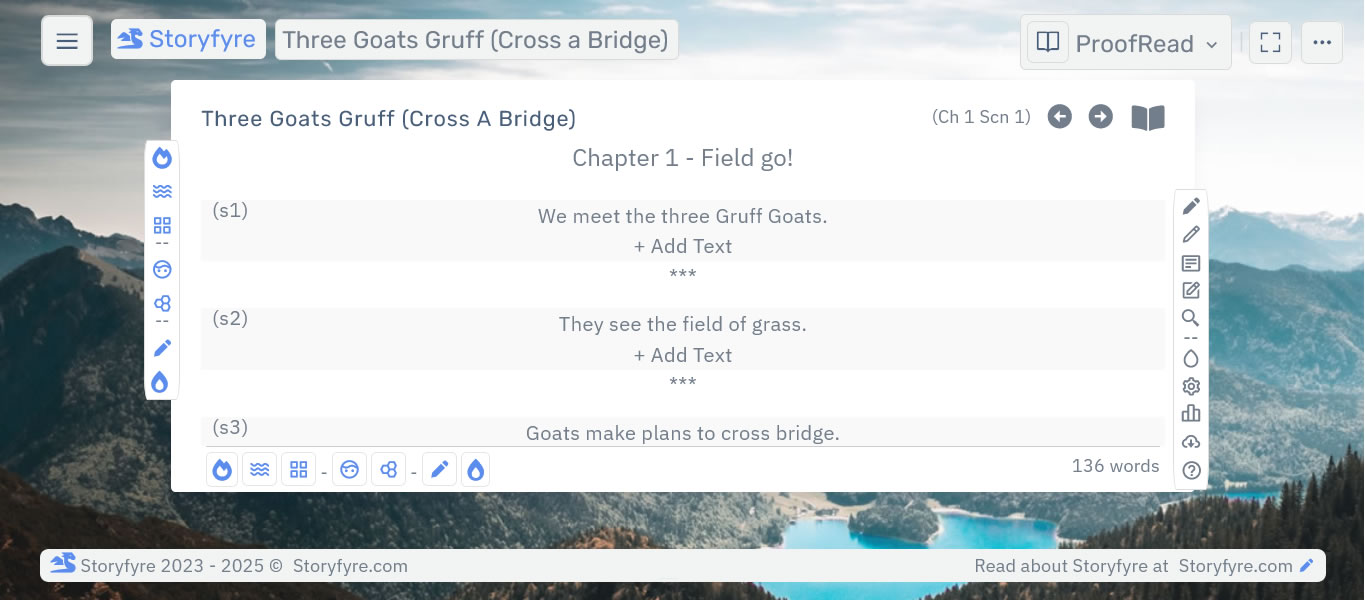
Where your story looks and reads like a book. Where it comes alive.
Where you read and proof your novel and story.
Changes on your Scene Map, in your Write area, anywhere in Storyfyre Pro automatically show up here in real time.
Turbocharge your story writing speed.
Read and edit your story.
Read through your story and edit.Find something you want changed?
DoubleClick it and be directly taken to that line, scene, story beat, to focus on it and edit it.Download Full Story, Book, Novel Text to backup or use.
Use the ProofRead Settings icon on the ProofRead Toolbar to customize the look and feel of the file, for printing, publishing, or using in other software. (More Features Coming Up)Changes automatically updated here.
Any changes made in your Scene Map, Write area, Scenes Outline, or anywhere in Storyfyre Pro show and update here. Move chapters, scenes, text, in your scene map and see the changes.Quick Edit/Revise/Review.
Quick Edit/Revise/Review chapter, scene, story beat, and story text all together here.Edit Scene Map Scene and Story Beat Info.
Use the ProofRead Edit Scene-Beat Info icon on the ProofRead Toolbar to edit any selected Scene or Story Beat's Scene Map Info.Easy Drag/Drop Chapters, Scenes, Beats, Text.
Software automatically updates the changes.Auto-Save.
Any changes are automatically saved to the cloud.Web-Based. Auto-Syncing.
Runs the same on any smart device, anywhere you are. Change devices? No problem, start right where you left off.Use the ProofRead Area as a Writing template. Quickly write your story here.
Map, plan, plot your story first in the Scene Map. ProofRead the plan to see and write in the story writing template you have created here. Write fast. Or download it.Maximize your Think Time, Productivity. And Writing Time.
Get your story clear before or after you write it. Write and Revise better Stories Faster.Easily Download/Export to Popular Software.
Download/Export Quick View Data or Writing/Story/Text Templates to Microsoft Word, Adobe PDF, or HTML.More Proofreading Functionality Coming Up.
We are adding functionality daily, from feature requests made by our authors.Display Fun, Motivating, Backgrounds.
Easy on the eyes. Display Fun, Motivating, Backgrounds behind the ProofRead Area for motivation.Hide or Show Completed Chapters. Add Highlight Colors And More...
Hide completed things. See different views. Highlight Colors(more colors coming up), Icons(coming up), Filters and Search(coming up).Storyfyre Pro Features
Story Elements - Book Bible
Characters
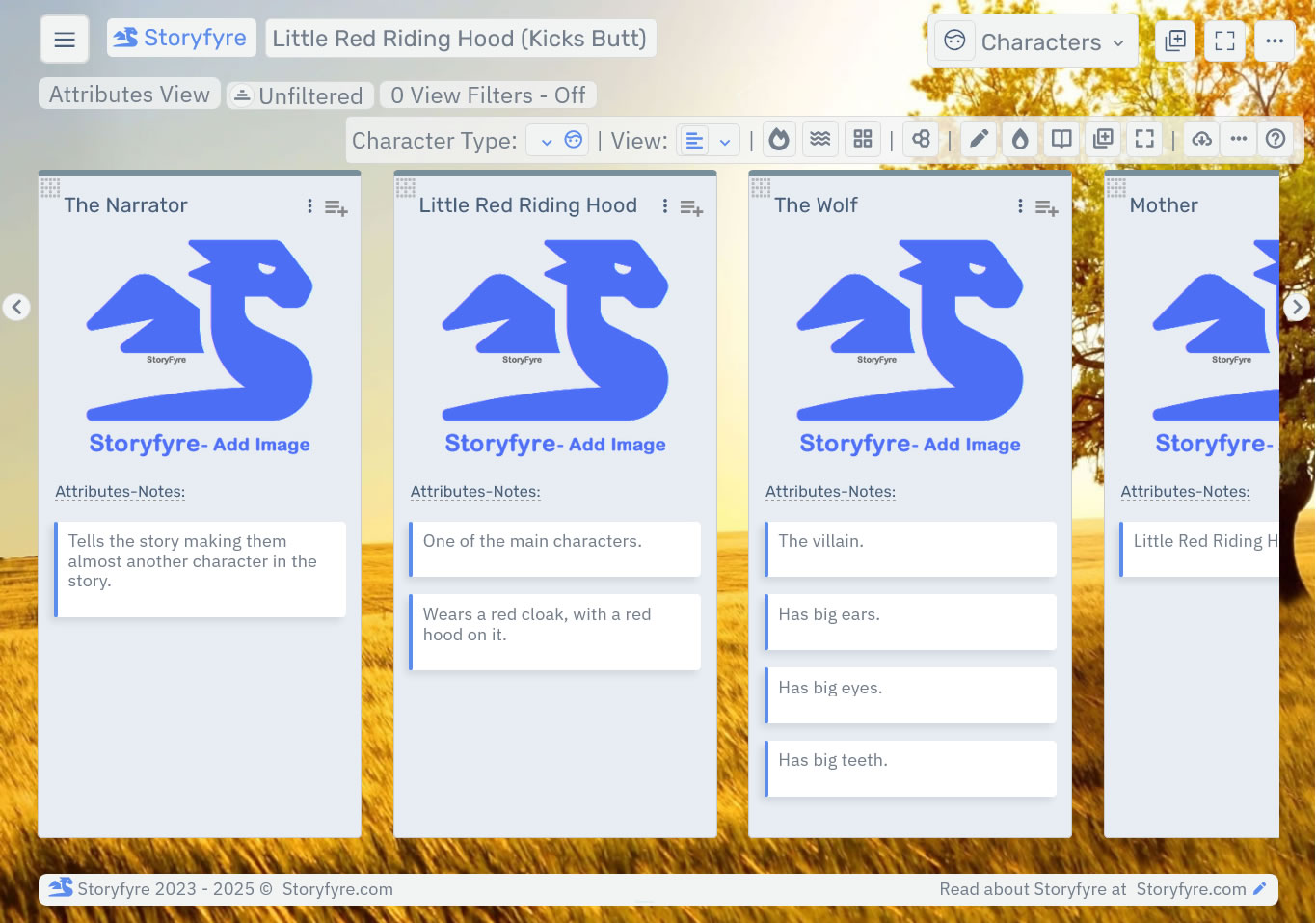
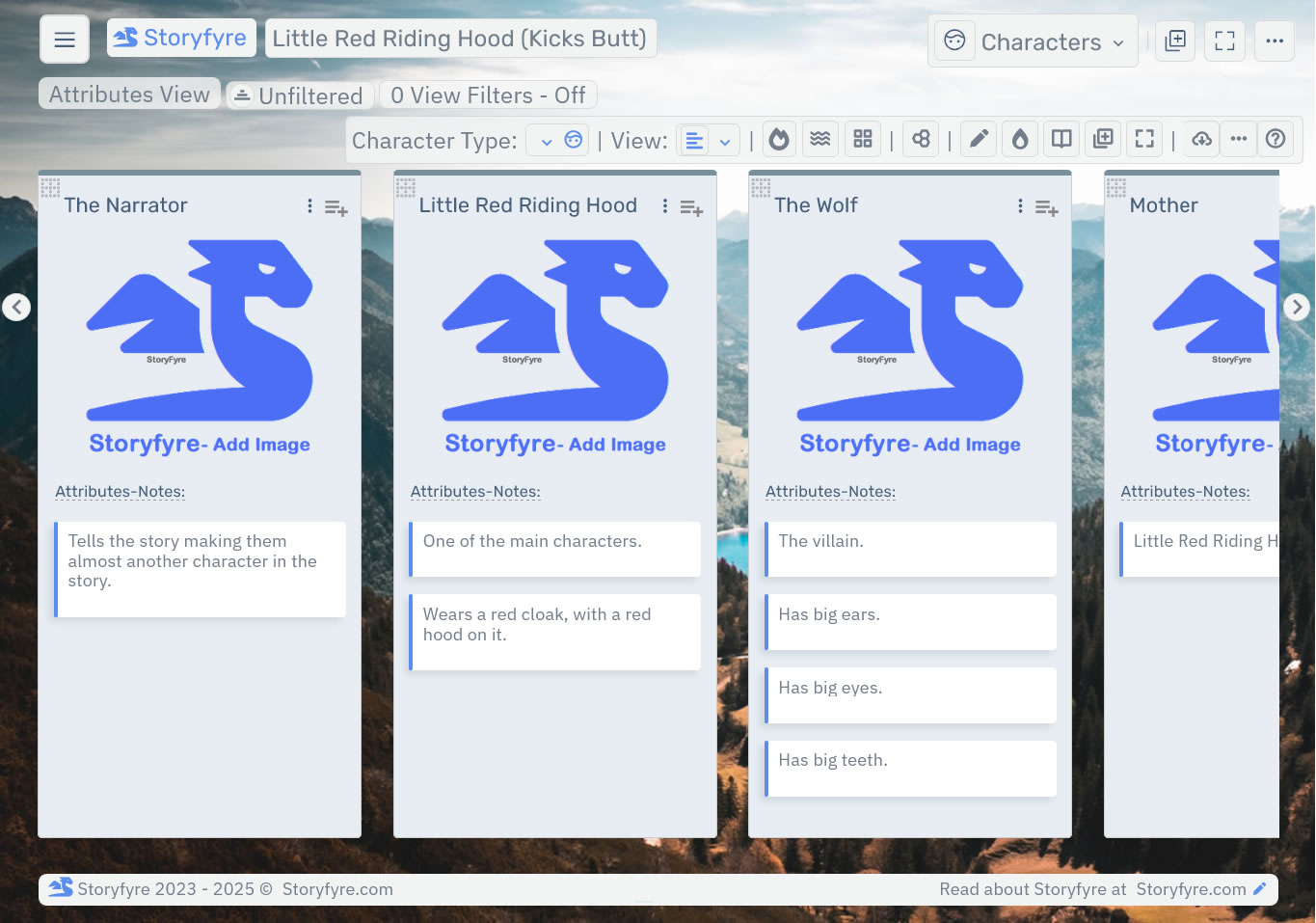
Create your characters, describe your characters in your story bible/book bible to success.
Characters are the life-blood of writing; they tell and show your story.
Create better stories, better and clearer character storylines.
Better use your think time. Turbocharge your creativity.
Get/View Characters Features →Story Settings
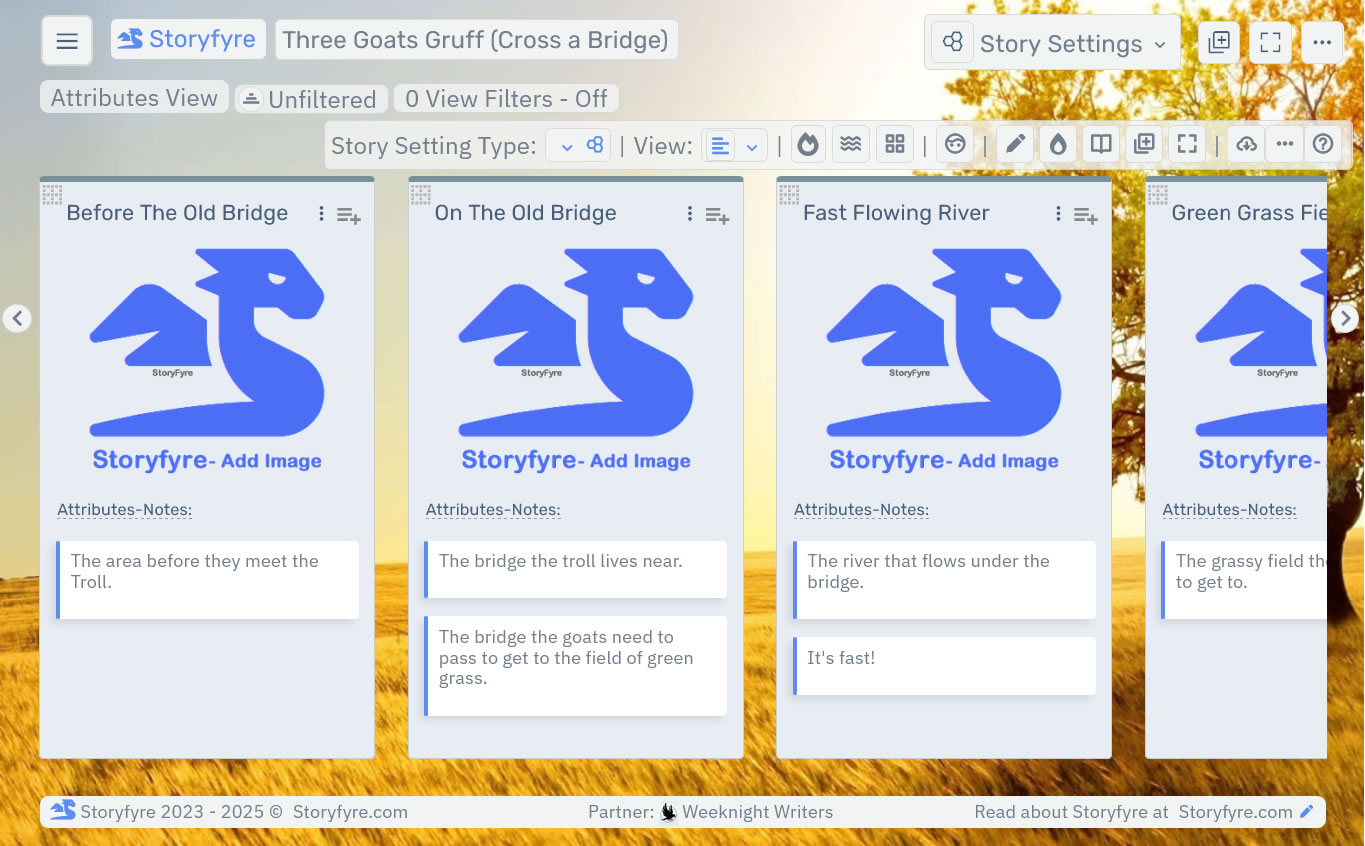
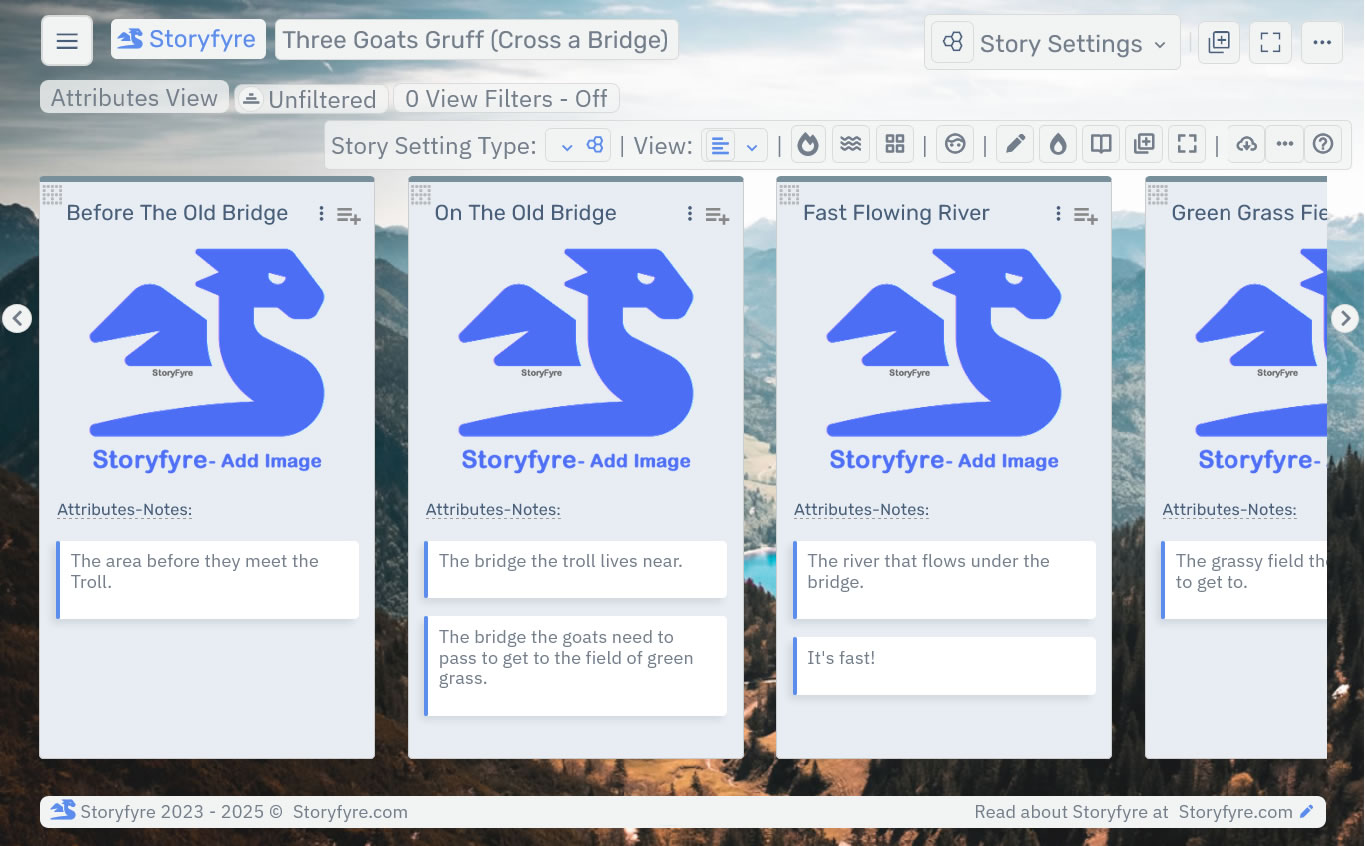
Create your story settings, describe them in your story bible/book bible to success.
Story world, things, places, backgrounds, backdrops, locations, groups, world/story rules.
Story Settings connect your readers with your story.
Create better stories, better and clearer story world storylines.
Better use your think time. Turbocharge your creativity.
Get/View Story Settings Features →Storyfyre Pro Features
Extra Functionality
A clear story writes faster. Writes better.
Speed up your writing productivity.
Create and fix your story.
Storfyre Extras.
Customize Storyfyre to your writing process.
Find out what extra things Storfyre software can for you.
Get/View Extra Features →Add Storyfyre Pro to your current writing process.
Use Storyfyre Pro with your current writing process and software.